Idun Agent Platform uses the Model Context Protocol (MCP) to extend agent capabilities with external tools. You define MCP servers at the platform level, then attach specific servers to individual agents. Each agent can only access the tools from its assigned servers, so you control exactly what each agent can do.Documentation Index
Fetch the complete documentation index at: https://docs.idunplatform.com/llms.txt
Use this file to discover all available pages before exploring further.
How tool governance works
- Register MCP servers in the Manager UI or YAML config with transport settings and connection details
- Attach servers to agents through per-agent allowlists, so each agent only sees the tools you assign
- The engine discovers tools from each configured MCP server at startup
- Agents invoke tools during conversations as needed, with results passed back for response generation
Per-agent tool allowlists
Every agent has its own list of MCP servers. An MCP server registered in the platform is not available to an agent until you attach it. This means you can:- Give a customer support agent access to a CRM tool but not a database query tool
- Let a research agent fetch web content but block file system access
- Share the same MCP server across multiple agents or restrict it to one
Transport types
MCP servers connect to the engine through one of four transport protocols:| Transport | Use case | Required fields |
|---|---|---|
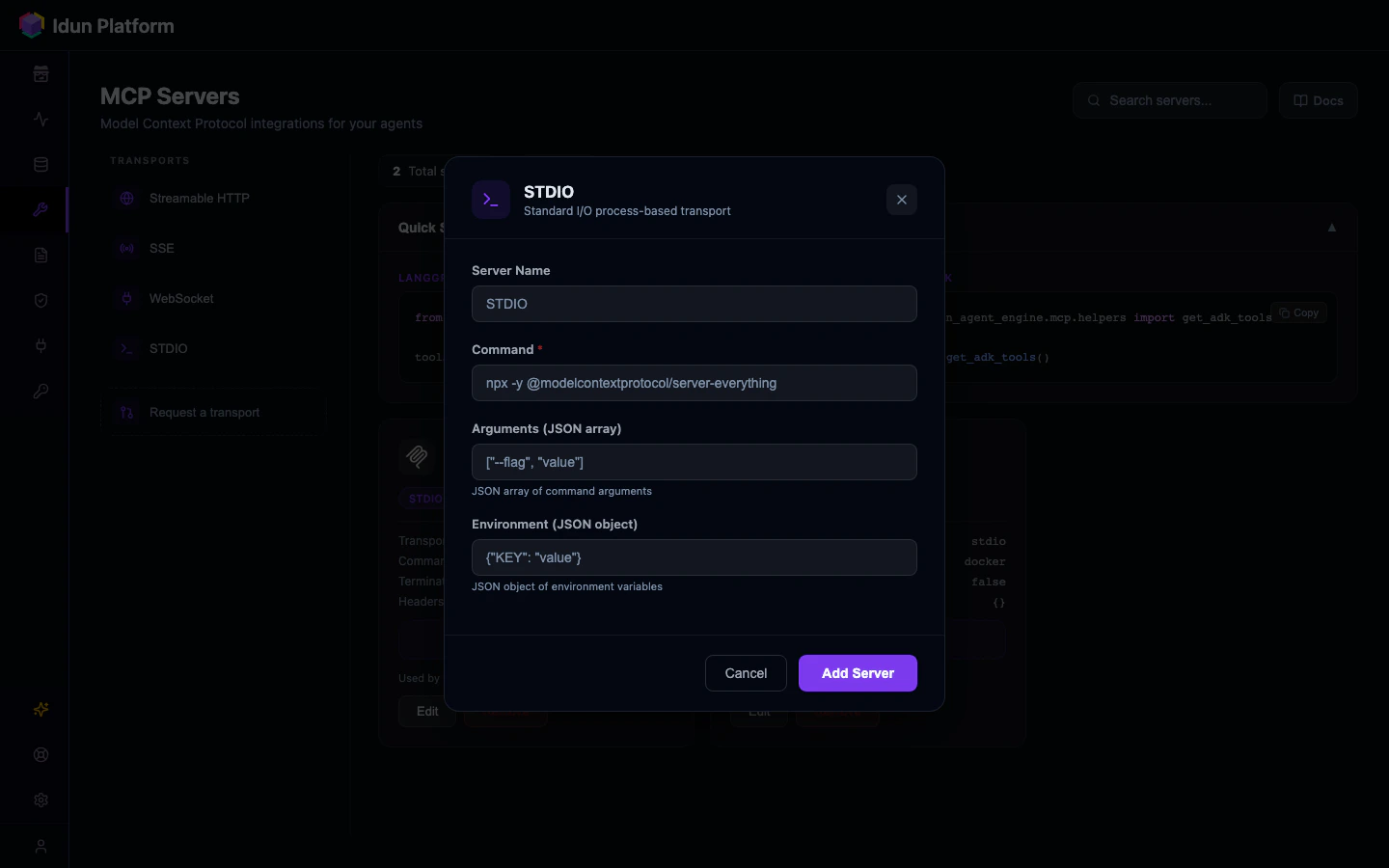
stdio | Local processes, Docker containers | command, args |
sse | Remote servers with Server-Sent Events | url |
streamable_http | Remote servers with HTTP streaming (default) | url |
websocket | Persistent bidirectional connections | url |
Configuration example
Define MCP servers in yourconfig.yaml or through the Manager API:
- Manager UI
- YAML config
Browse the transport catalog
Navigate to MCP Servers in the sidebar. The catalog shows transport type cards: Streamable HTTP, SSE, WebSocket, and STDIO.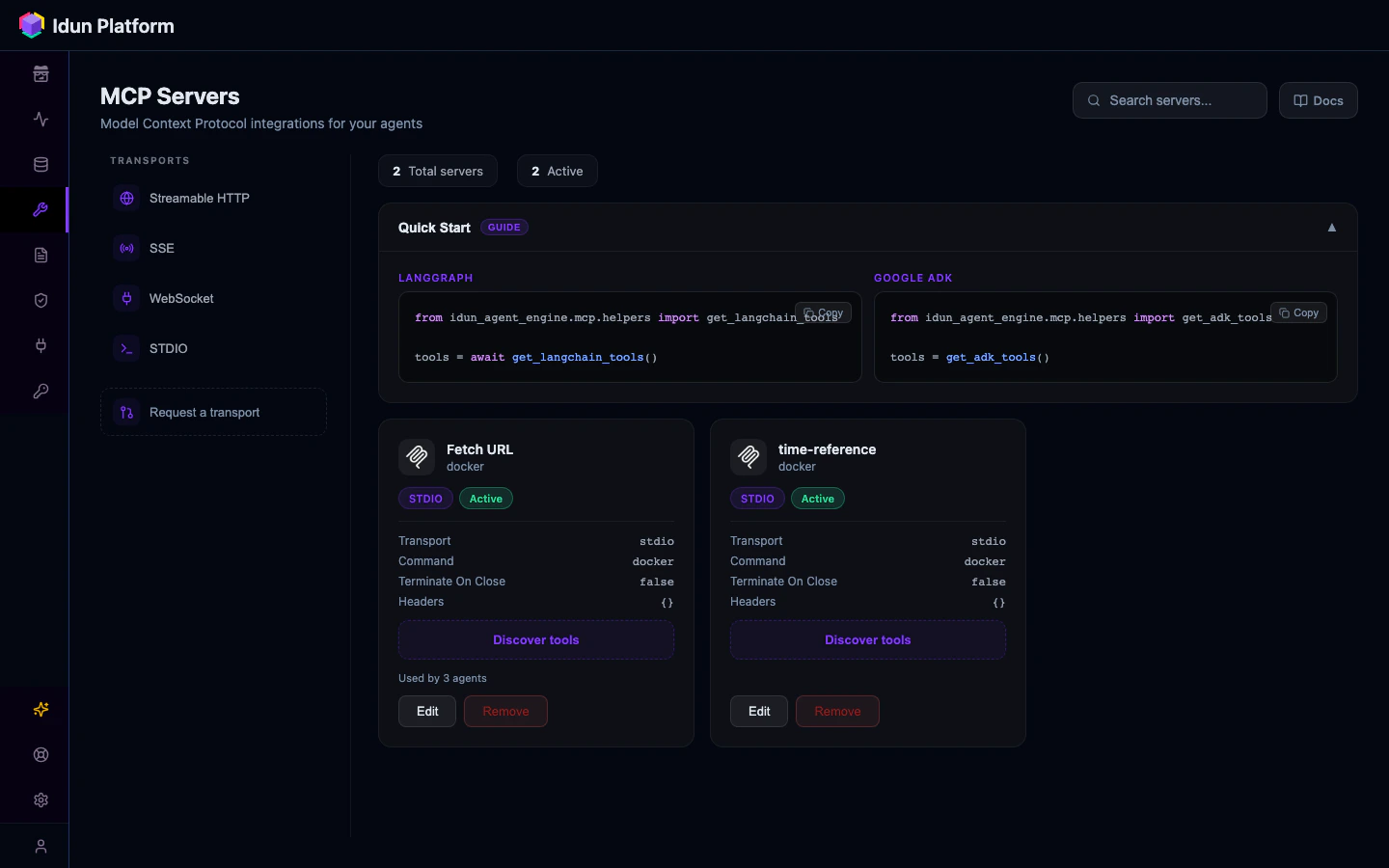
Add an MCP server
Click + on your transport type and configure the command/URL and connection details. The page includes a Quick Start Guide and a “Discover tools” button on existing server configs.