

Idun Agent Platform supports two authentication modes for the Manager and a per-agent SSO layer for engine route protection. Role-based access control (RBAC) governs what authenticated users can do within each workspace.Documentation Index
Fetch the complete documentation index at: https://docs.idunplatform.com/llms.txt
Use this file to discover all available pages before exploring further.
Authentication modes
The Manager supports two mutually exclusive authentication modes, controlled by theAUTH__DISABLE_USERNAME_PASSWORD environment variable.
- Username/password (default)
- OIDC SSO
The default mode. Users register and log in with email and password.
POST /api/v1/auth/basic/signupto registerPOST /api/v1/auth/basic/loginto log in- Passwords are hashed with bcrypt
AUTH__DISABLE_USERNAME_PASSWORD is false (the default).Session management
Both modes use signed HTTP-only cookies for session management.| Setting | Environment variable | Default |
|---|---|---|
| Session secret | AUTH__SESSION_SECRET | Required, min 32 characters |
| Session TTL | AUTH__SESSION_TTL_SECONDS | 86400 (24 hours) |
| Secure cookies (HTTPS) | AUTH__COOKIE_SECURE | false |
Role-based access control
Each workspace has its own set of members with assigned roles. Roles determine what actions a user can perform within that workspace.| Role | Level | Capabilities |
|---|---|---|
| Owner | 4 | Full control. Can delete the workspace, manage all members including other owners |
| Admin | 3 | Can invite and remove members, update roles (except owners), manage all resources |
| Member | 2 | Can create, read, update, and delete agents and resources within the workspace |
| Viewer | 1 | Read-only access to agents and resources |
Workspace invitations
Admins and owners can invite users by email. The invitation specifies a role and is consumed when the invited user signs up or logs in:- Admin sends an invitation for
user@company.comwith rolemember - When that user signs up (via either auth mode), the invitation is consumed
- The user is added to the workspace with the assigned role
- If it is the user’s first workspace, it becomes their default
Per-agent SSO (engine route protection)
Separate from Manager authentication, the engine can enforce OIDC JWT validation on agent API routes. When enabled, clients must provide a valid JWT in theAuthorization header to call agent endpoints.
Protected routes:
/agent/invoke/agent/stream/agent/copilotkit/stream
SSO config
- Manager UI
- Config file
SSO/OIDC configurationNavigate to the SSO page to manage SSO configurations for your workspace.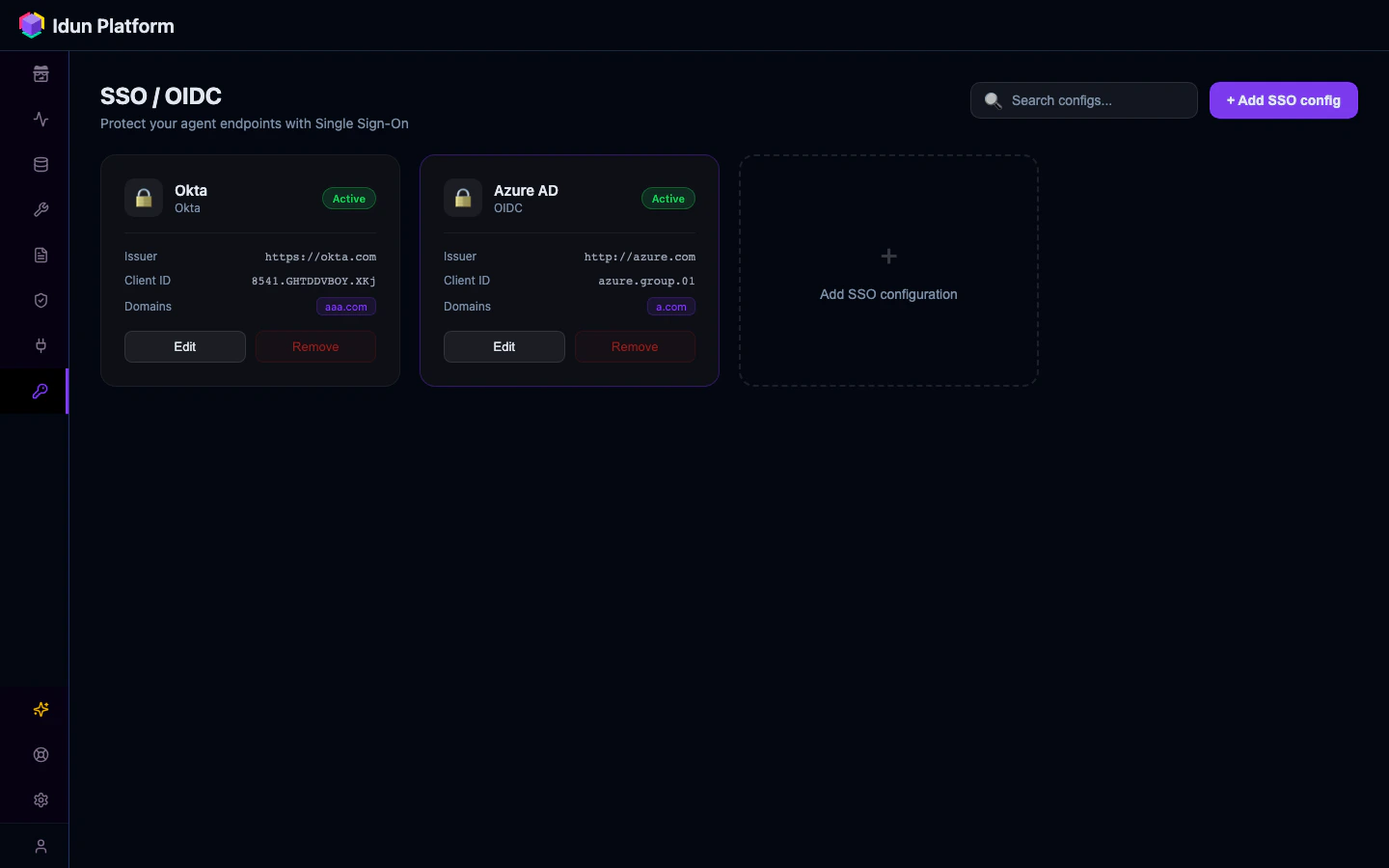
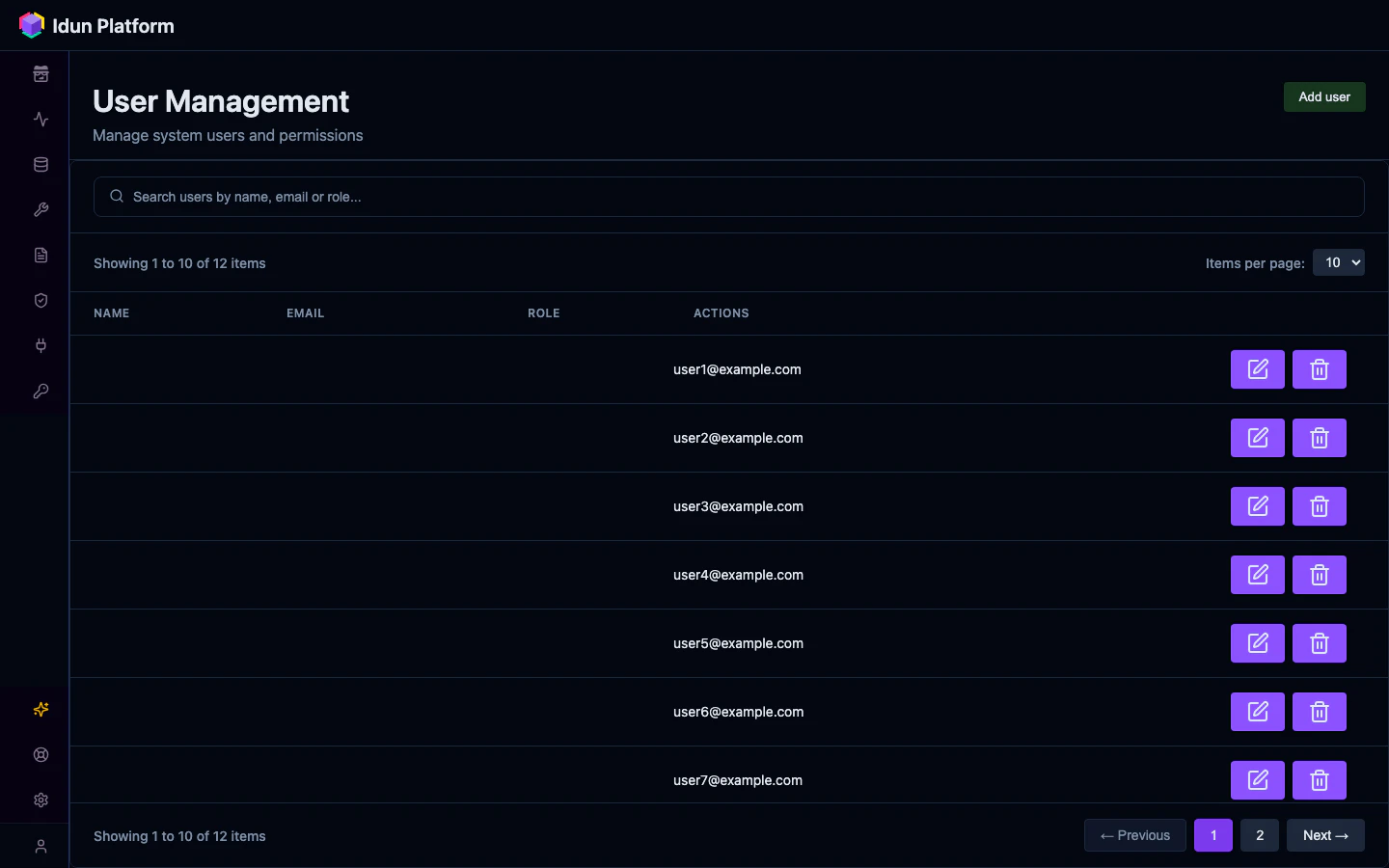
Supported providers
The Manager supports the following OIDC providers for SSO authentication:- Google Workspace (issuer:
https://accounts.google.com) - Microsoft Entra ID / Azure AD (multi-tenant via
https://login.microsoftonline.com/common, or single-tenant viahttps://login.microsoftonline.com/<tenant-uuid>)
Domain and email allowlists are applied after JWT signature verification. A valid token from an allowed provider is still rejected if the email domain or address is not in the allowlist.