

Prompt management lets you version, store, and assign prompt templates to agents. Instead of hardcoding prompts in your agent code, define them in the Manager or YAML config and assign specific versions to agents. Prompts support Jinja2 variables (Documentation Index
Fetch the complete documentation index at: https://docs.idunplatform.com/llms.txt
Use this file to discover all available pages before exploring further.
{{ variable }}) for dynamic content at runtime.
Key concepts
| Concept | Description |
|---|---|
| Prompt ID | A logical name for a prompt family (e.g., system-prompt, rag-query) |
| Versions | Each prompt ID can have multiple versions. Content is immutable after creation. Updating a prompt creates a new version |
| Latest tag | The latest tag always points to the highest version and is managed automatically |
| Agent assignment | Specific prompt versions are assigned to agents. Agents are pinned to a version until you reassign |
Define prompts
- Manager UI
- Config file
Prompts are assigned to agents from the agent detail Prompts tab.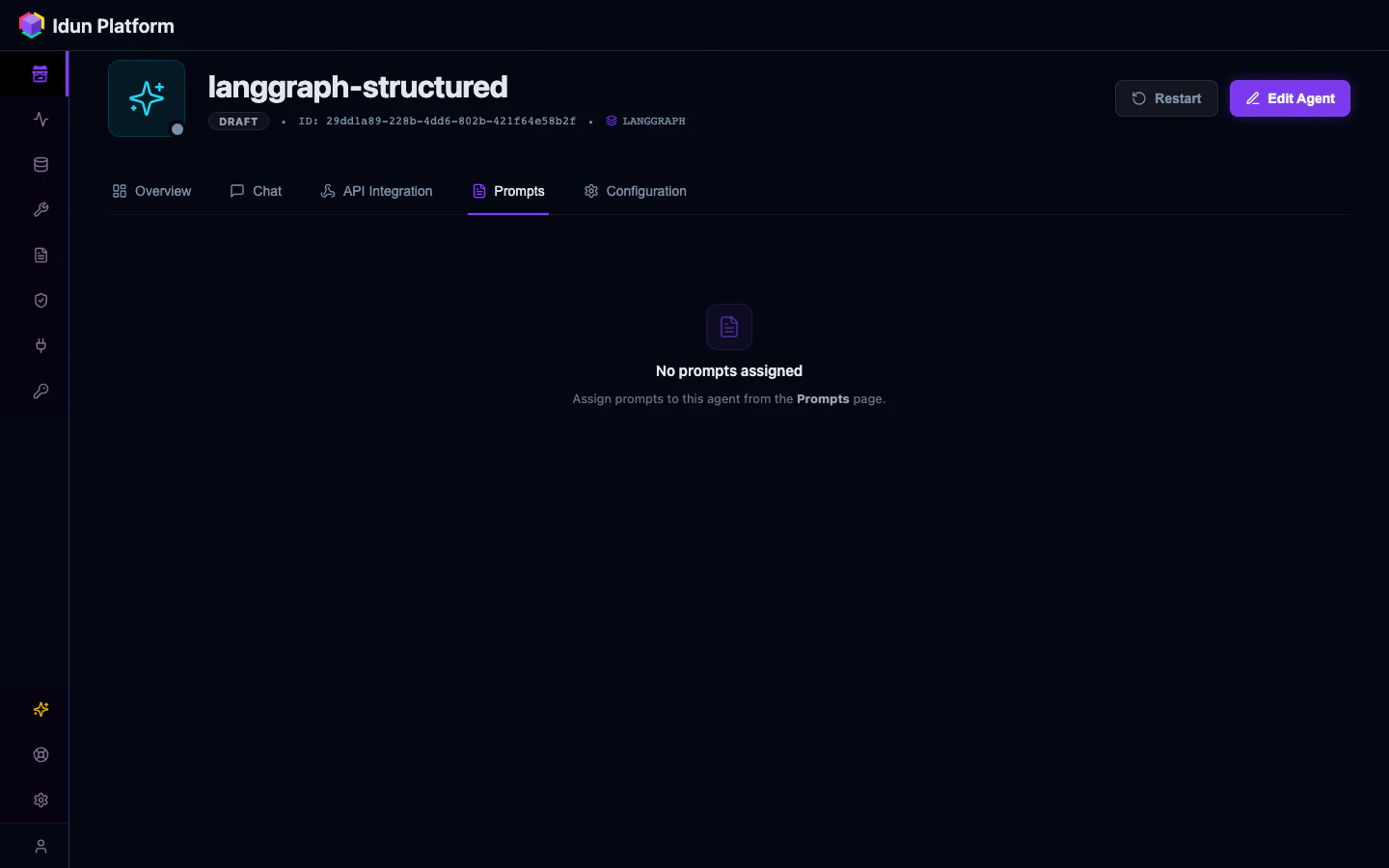
Manager API
The Manager provides full CRUD and assignment endpoints at/api/v1/prompts/.
Create a prompt
v1. Subsequent POST requests with the same prompt_id auto-increment the version and move the latest tag.
List and filter prompts
Update tags
Content is immutable. Only tags can be updated:The
latest tag is managed server-side. Even if you remove it in a PATCH request, it is re-added if this is the highest version. You cannot assign latest to an older version manually.Assign prompts to agents
engine_config.prompts list when the engine fetches its config.
Delete a version
latest tag, it is automatically promoted to the next-highest remaining version.
Using prompts in agent code
Load prompts
The engine provides helpers to load prompts from YAML or the Manager API:- Explicit
config_pathargument IDUN_CONFIG_PATHenvironment variable- Manager API (requires
IDUN_AGENT_API_KEY+IDUN_MANAGER_HOST)
Render with Jinja2
Useformat() to render template variables:
LangChain integration
Convert a prompt to a LangChainPromptTemplate:
to_langchain() requires langchain-core. Install it with pip install langchain-core.Best practices
- Use descriptive prompt IDs like
system-prompt,rag-query,summarization(notprompt-1) - Keep prompts atomic: one prompt per concern (system instructions, query template, output format)
- Create new versions for meaningful changes, not typo fixes
- Use tags like
production,staging,experimentalto track lifecycle - Pin specific versions to production agents rather than relying on
latest
Troubleshooting
Prompt not showing up in agent config
Prompt not showing up in agent config
- Verify the prompt is assigned to the agent (check the Prompts tab in agent detail)
- Confirm both the prompt and agent are in the same workspace
- Check that the agent’s API key is valid (
GET /agents/configrequires Bearer auth)
Variables not rendering
Variables not rendering
- Use double braces:
{{ variable }}, not{ variable } - Pass all required variables to
format() - The error message includes the prompt ID and version to help identify the issue
Version numbers not incrementing
Version numbers not incrementing
Version auto-increment is scoped to
(workspace_id, prompt_id). If you create prompts in a different workspace, versioning starts from 1.