

Google ADK (Agent Development Kit) is Google’s framework for building Gemini-powered agents. Idun Agent Platform wraps ADK agents as production services with AG-UI streaming, guardrails, and observability.Documentation Index
Fetch the complete documentation index at: https://docs.idunplatform.com/llms.txt
Use this file to discover all available pages before exploring further.
Create an ADK agent
- Manager UI
- Config file
Create the agent in the Manager, then connect your code.The Manager sets in-memory session and memory services by default. To switch to Database or Vertex AI, see Memory.
Open the agent wizard
From the Agent Dashboard, click Create an agent. In step 1, enter a name and select Google ADK.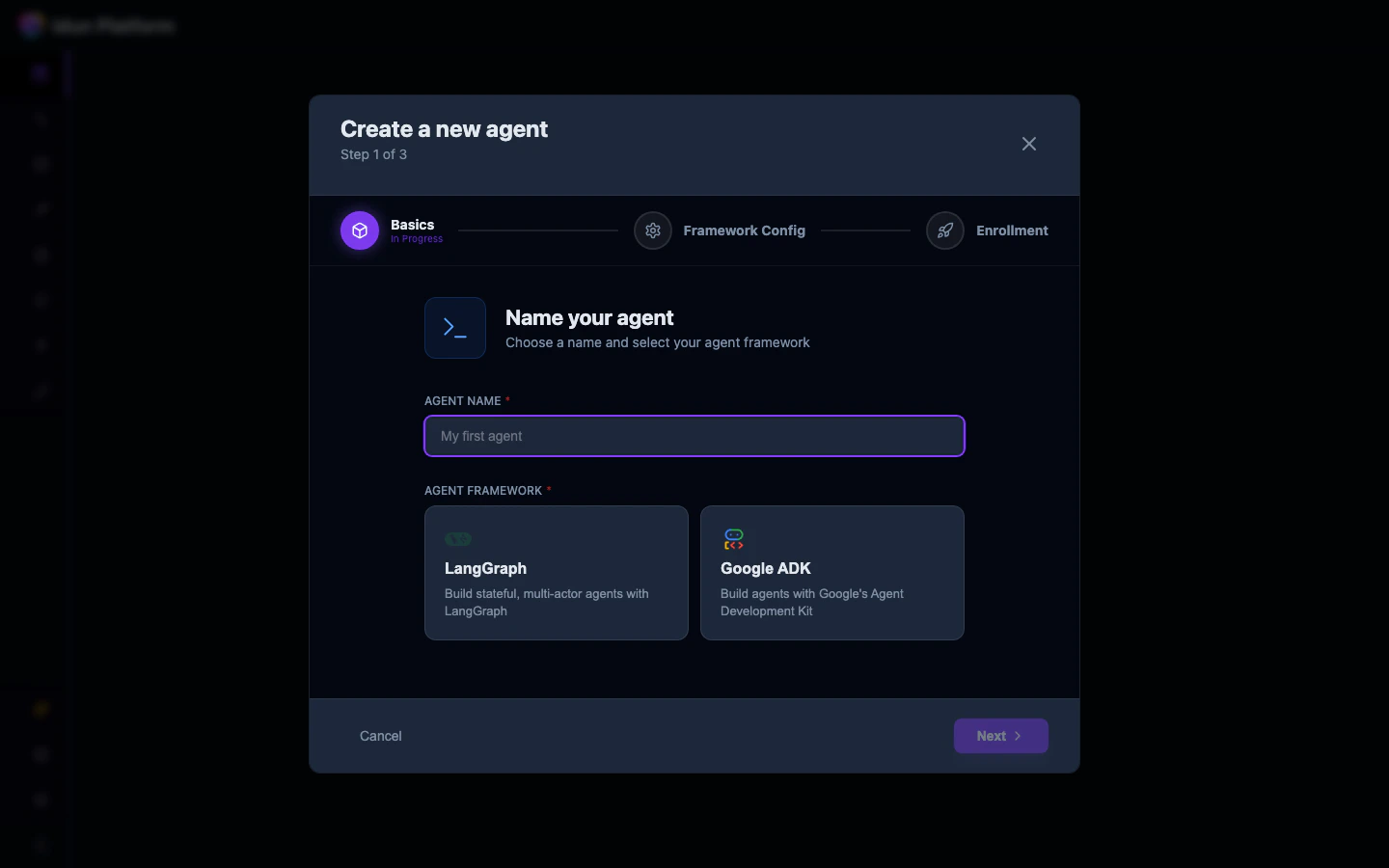
Configure the framework
In step 2, fill in:
- Agent definition: Python module path and variable, e.g.
my_agent.agent:root_agent - App name: application name for ADK session/memory scoping
- Agent Host: Localhost or Remote
- Server Port: the port your agent will listen on
module.path:variable), not a file path. This differs from LangGraph.Write your agent code
Create an ADK agent at the module path matching your configuration:my_agent/agent.py
If you use Vertex AI models, authenticate with
gcloud auth application-default login before running the agent.The agent field
The value uses Python module path notation with a colon separator:
- Module path: dotted Python module path (e.g.,
my_agent.agent) - Variable name: the agent instance in that module (e.g.,
root_agent)
graph_definition, which uses a file path.